


Work with Microsoft 365 directly in Autologyx
Connect Microsoft 365 to Autologyx so users can access documents and collaboration tools in the context of the work they are doing.
Users can:
- Access files stored in SharePoint or OneDrive
- Surface the right documents inside a workflow, request, or matter
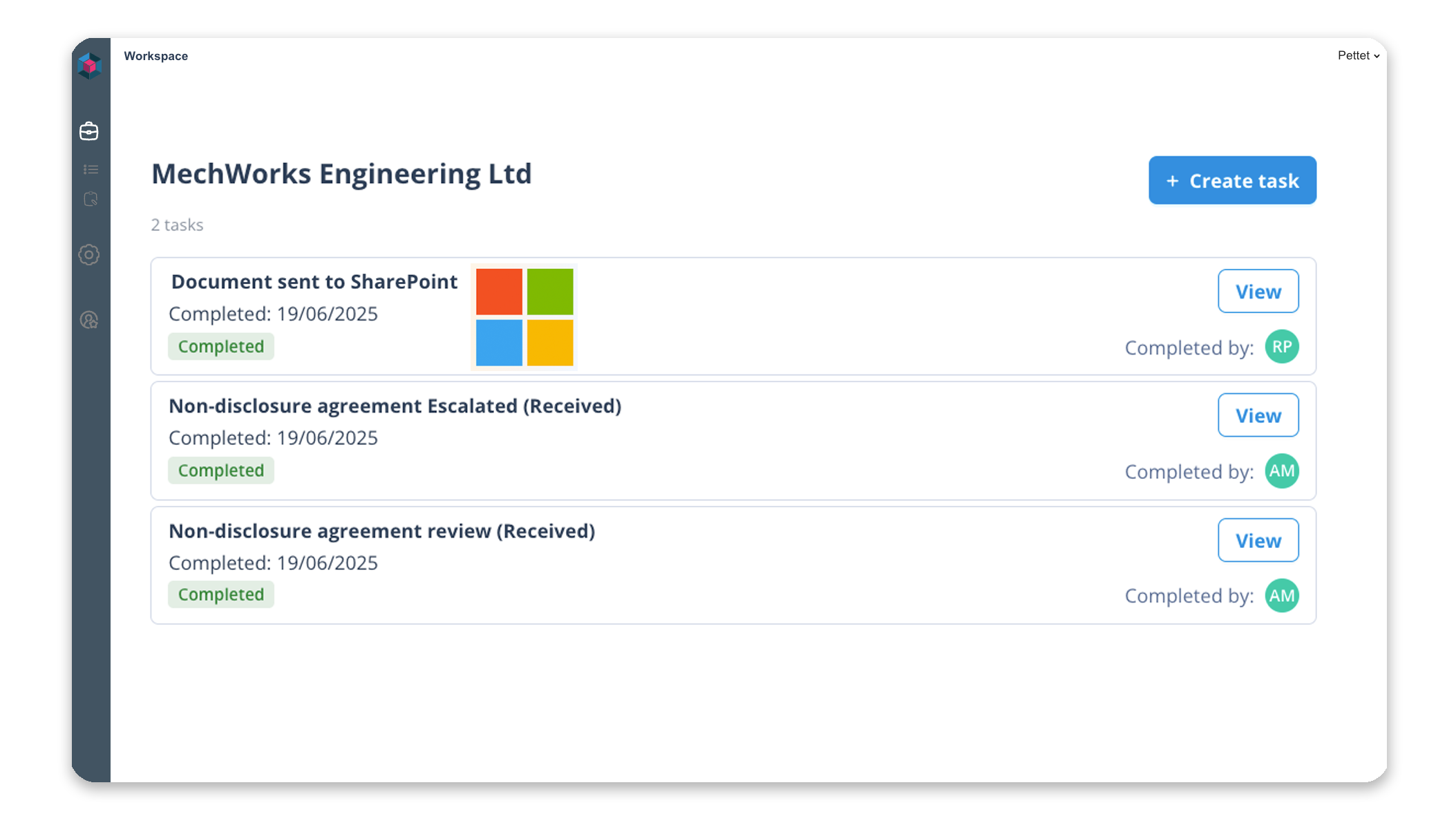
- Store generated documents directly in Microsoft 365
- Keep collaboration and workflow activity connected

Keep documents in the right place
Autologyx can associate a workflow, matter, or request with the correct Microsoft 365 location.
Visually, in the interface
Users can select the relevant SharePoint site, document library, or folder so the right documents appear automatically.
Programmatically, through automation
Microsoft 365 locations can also be assigned automatically during intake, matter creation, onboarding, or other automated processes.
This keeps documents organised without relying on manual filing.
Connect documents to real workflows
Autologyx can automate document and collaboration flows with Microsoft 365, helping teams:
- Generate documents and store them in SharePoint or OneDrive
- Retrieve files into workflows for review or approval
- Link documents to requests, matters, or cases
- Trigger collaboration steps during processes
Secure & enterprise-ready
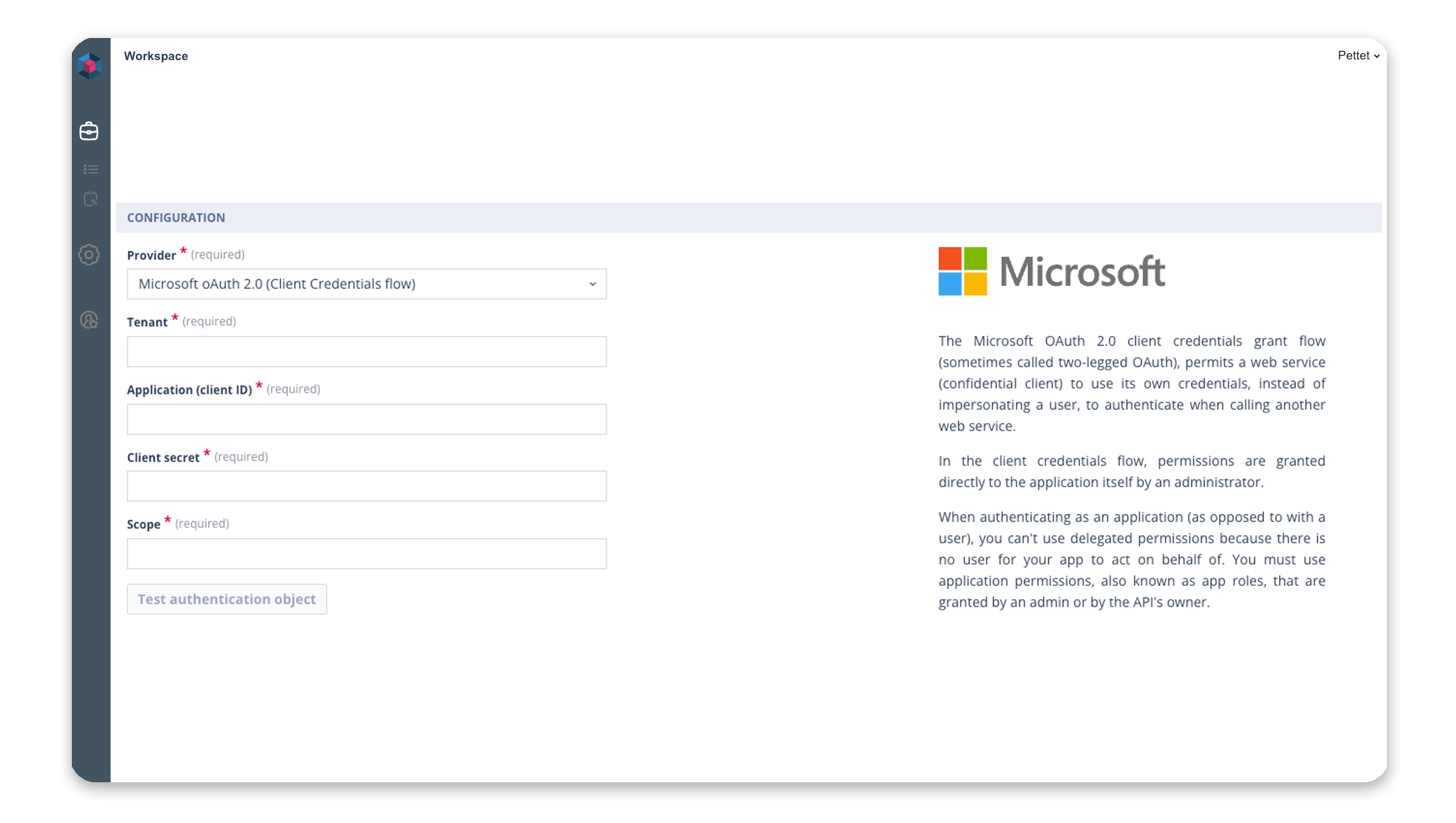
The integration works with Microsoft’s enterprise identity and security model, enabling organisations to manage access and permissions centrally.
This ensures users only see the documents and workspaces they are authorised to access.